Hybrid Meeting Room Setup: A Checklist for Rented Rooms
Published
Find a space by activity and city
Pick what you are planning, then your city. Counts are verified venues listed right now.
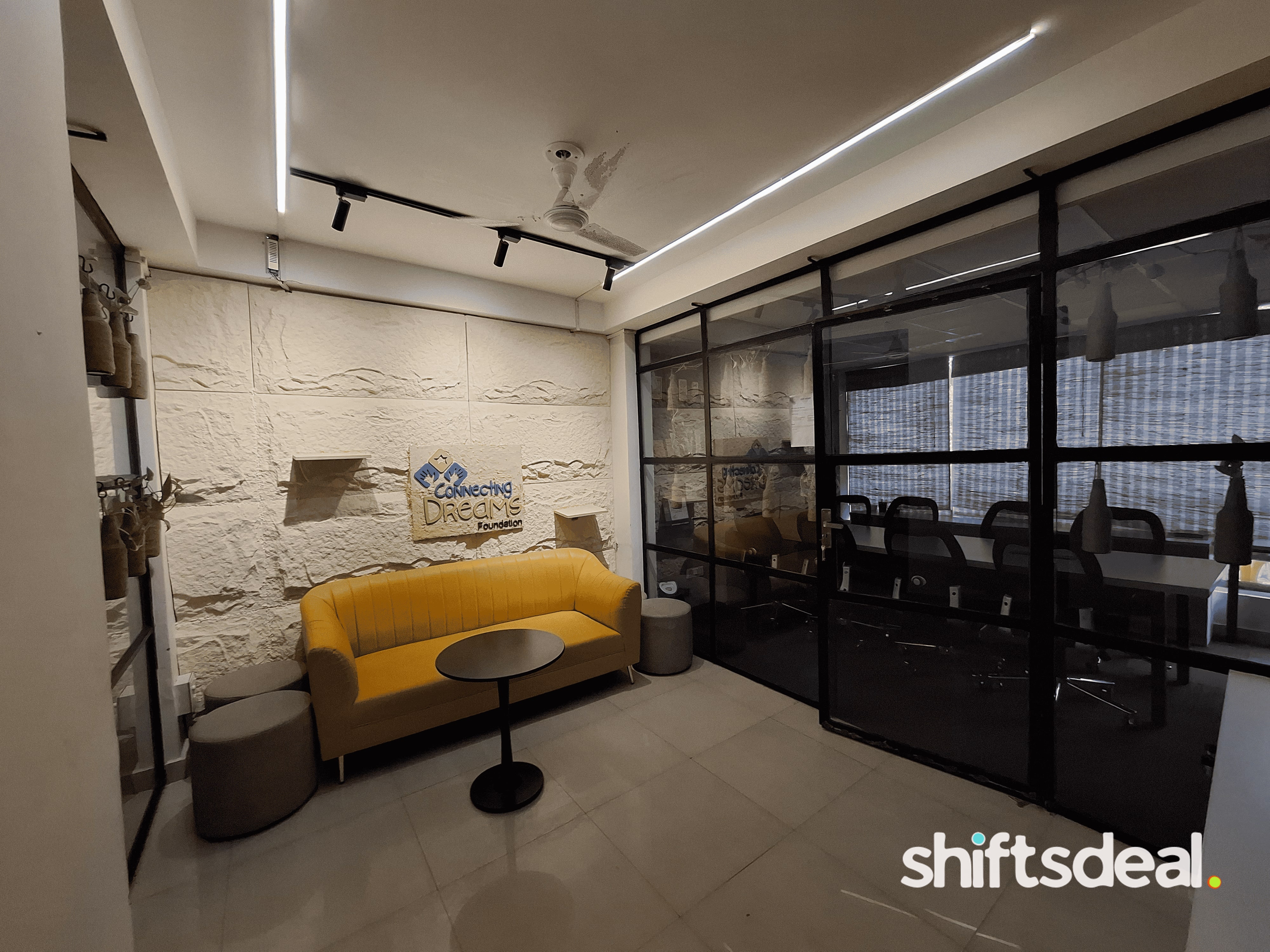
Meeting rooms in Delhi NCR
54 venues listed
- Meeting rooms in Gurgaon (Gurugram)31 venues
- Meeting rooms in Delhi10 venues
- Meeting rooms in Noida3 venues
- Meeting rooms in Sonipat1 venues
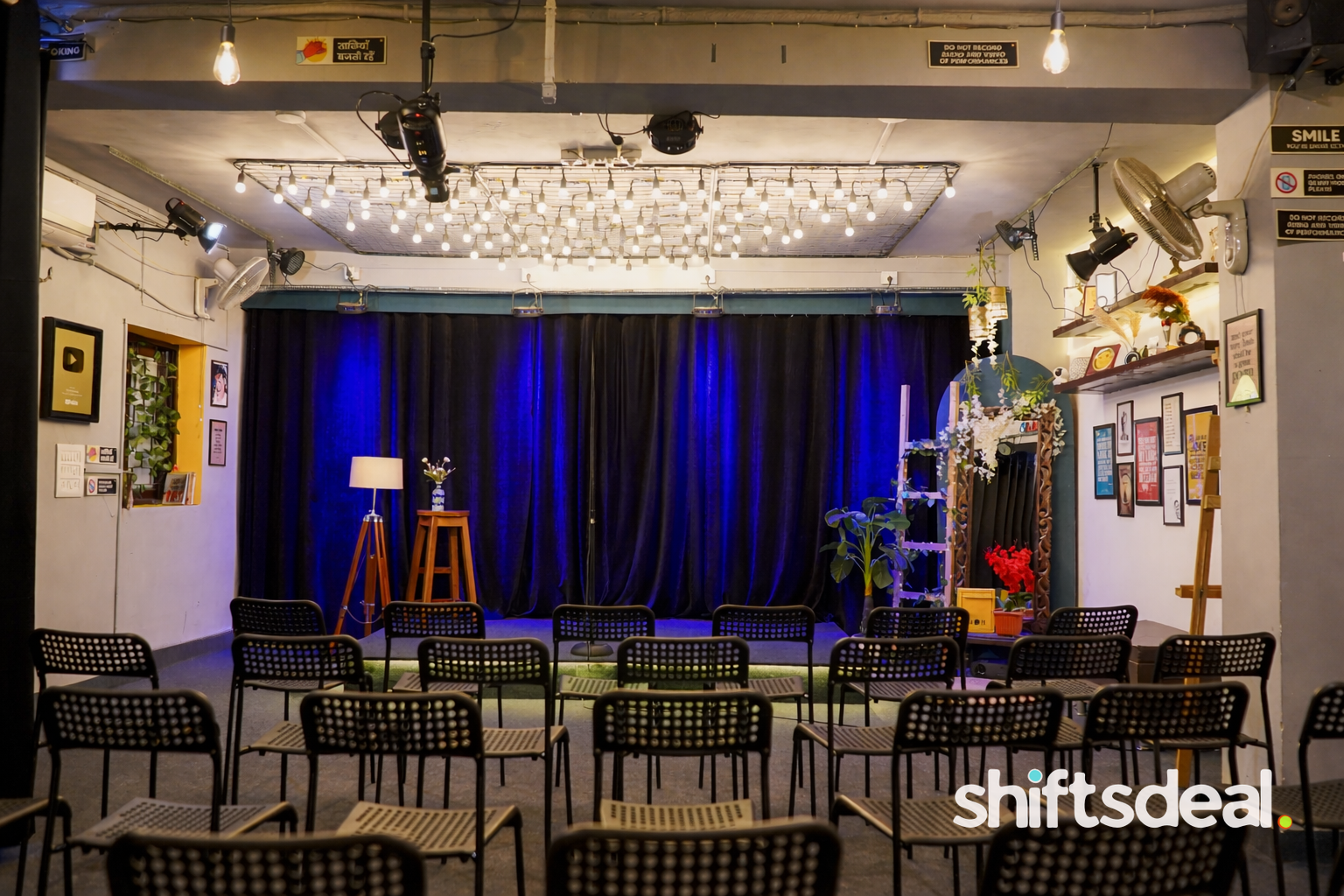
Photography studios in Delhi NCR
48 venues listed
- Photography studios in Delhi38 venues
- Photography studios in Sonipat3 venues
- Photography studios in Noida2 venues
- Photography studios in Gurgaon (Gurugram)1 venues

Dance studios in Delhi NCR
8 venues listed
- Dance studios in Gurgaon (Gurugram)3 venues
- Dance studios in Delhi2 venues
- Dance studios in Noida1 venues
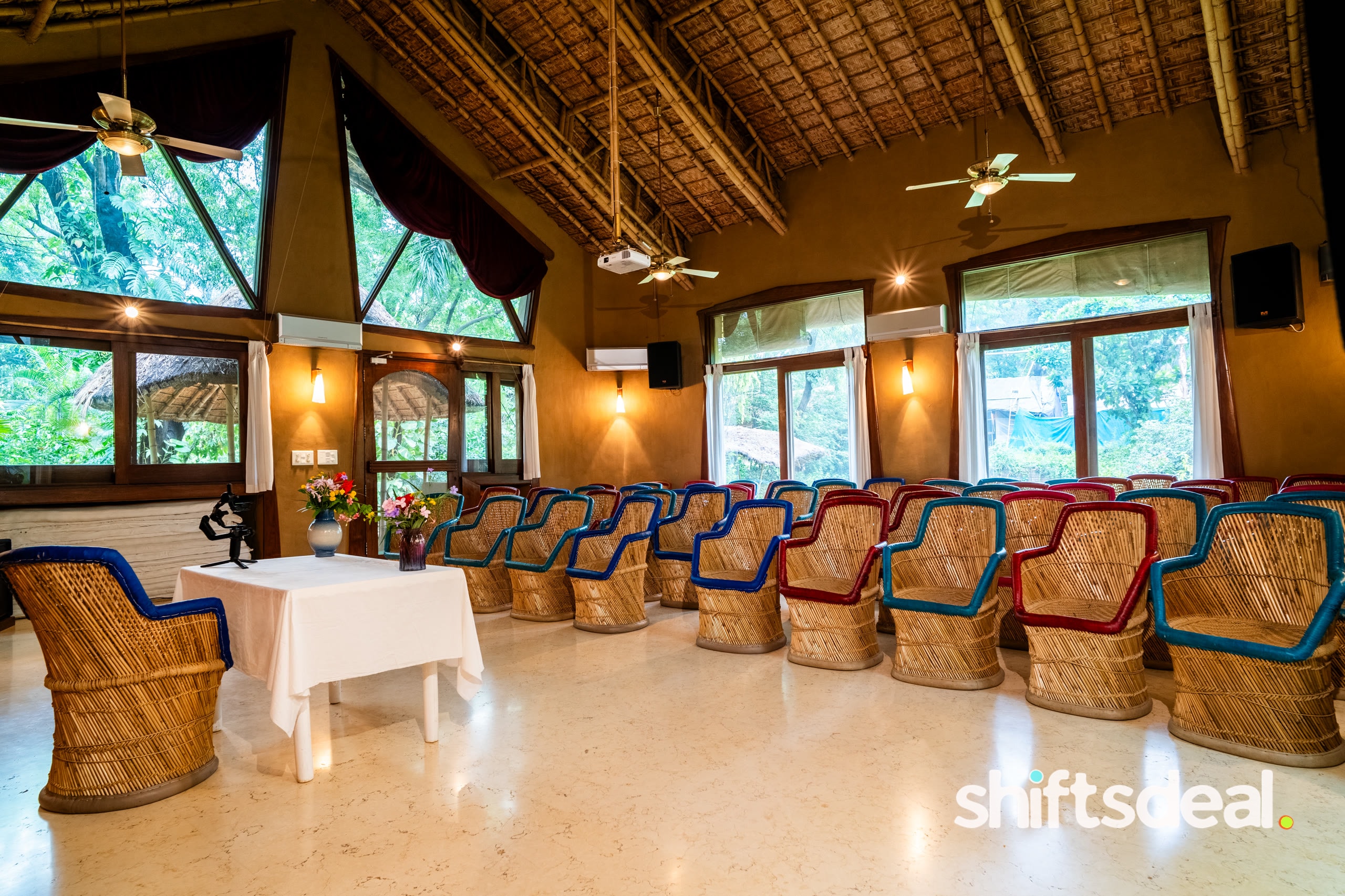
Yoga studios in Delhi NCR
17 venues listed
- Yoga studios in Delhi11 venues
- Yoga studios in Gurgaon (Gurugram)2 venues
- Yoga studios in Sonipat2 venues
Workshop spaces in Delhi NCR
39 venues listed
- Workshop spaces in Delhi24 venues
- Workshop spaces in Gurgaon (Gurugram)7 venues
- Workshop spaces in Sonipat4 venues
- Workshop spaces in Noida2 venues
Corporate offsite venues in Delhi NCR
42 venues listed
Birthday party places in Delhi NCR
13 venues listed
Or start with your city
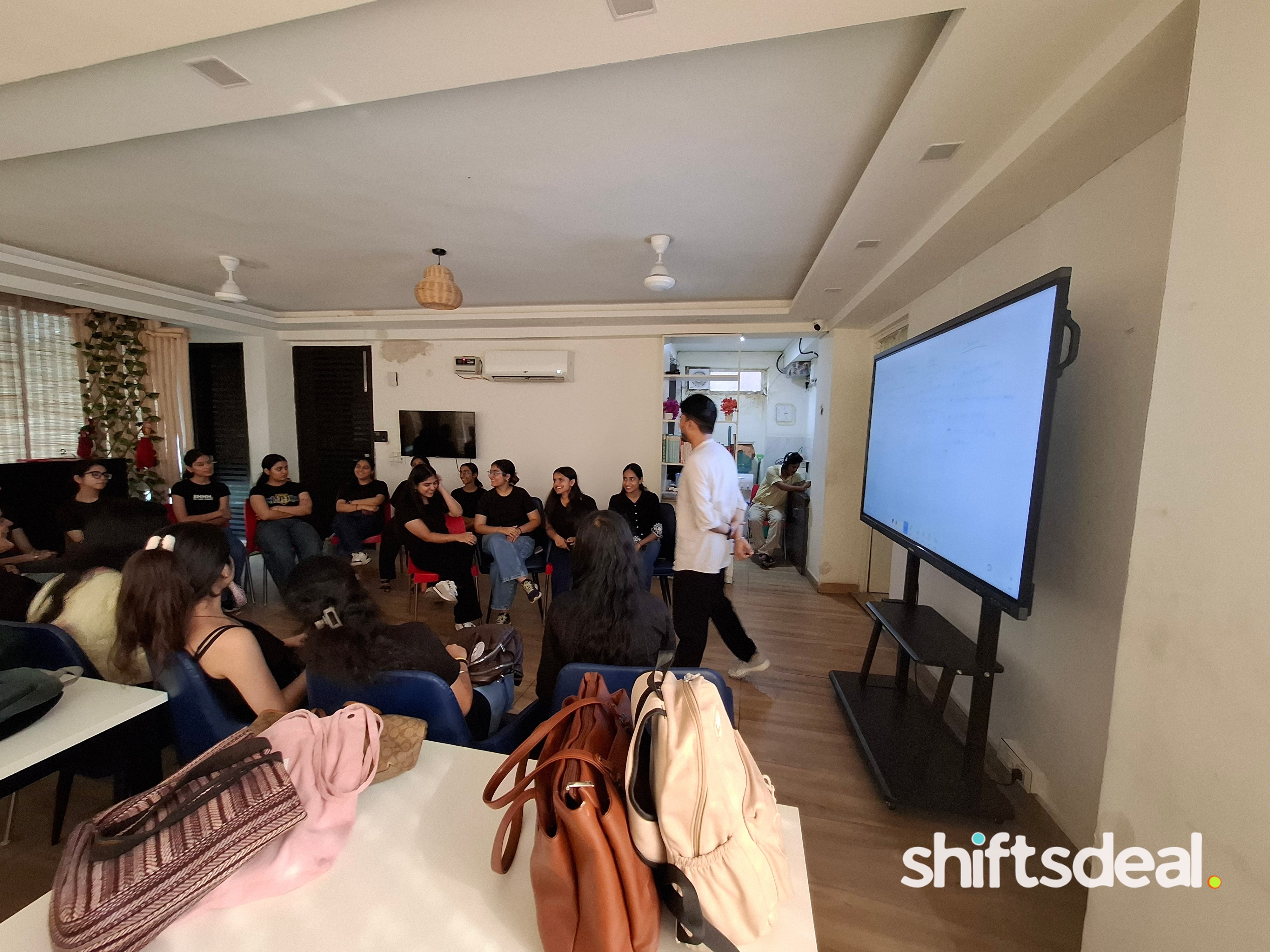
For a hybrid meeting in a rented room, confirm a stable connection, a camera that shows the whole room, clear audio in both directions and a screen remote attendees can be seen on. Test it before the meeting starts, not when guests arrive.
At a glance
- Essentials: Wi-Fi, camera, microphone and speaker, a screen, power.
- Layout: seat people so the camera sees everyone.
- Test: join a call from outside the room before the meeting.
- Browse: business meeting venues.
What equipment do you need?
- Wi-Fi with enough speed for video, ideally with a wired option
- A camera, built-in or your own, that captures the room
- A speaker and microphone that pick up everyone
- A screen large enough to show remote attendees
- Power points for laptops
Ask the venue what is included and whether you may bring your own conferencing kit.
How should you arrange the room?
Seat people on one side of the table facing the camera, rather than around all sides. Keep the screen where in-room attendees can see remote ones. See meeting room seating layouts explained.
What should you test?
Join the call from another device, check that remote attendees can hear everyone, and share a screen. Arrive early to fix issues. Ask the venue whether setup time is included.
Frequently asked questions
Do rented meeting rooms include video conferencing?
Some do. Confirm before booking, and ask whether it is charged separately.
What if the Wi-Fi is slow?
Ask for a wired connection or arrange a backup such as a mobile hotspot.
Is a conference room better for hybrid meetings?
Larger rooms often have stronger AV. See conference room in Gurgaon.