Online Course Recording Studio: How to Choose a Space
Published
Find a space by activity and city
Pick what you are planning, then your city. Counts are verified venues listed right now.
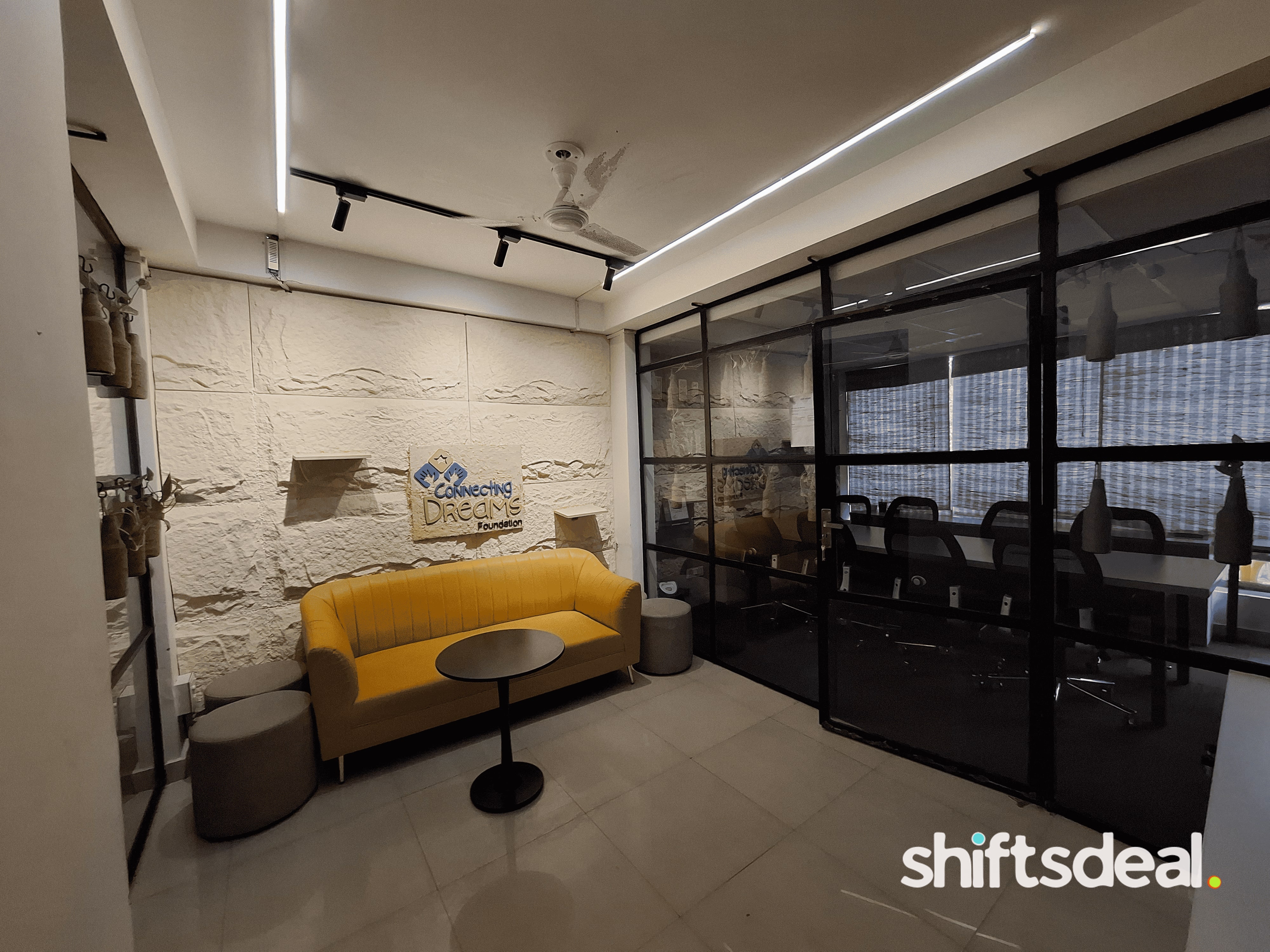
Meeting rooms in Delhi NCR
54 venues listed
- Meeting rooms in Gurgaon (Gurugram)31 venues
- Meeting rooms in Delhi10 venues
- Meeting rooms in Noida3 venues
- Meeting rooms in Sonipat1 venues
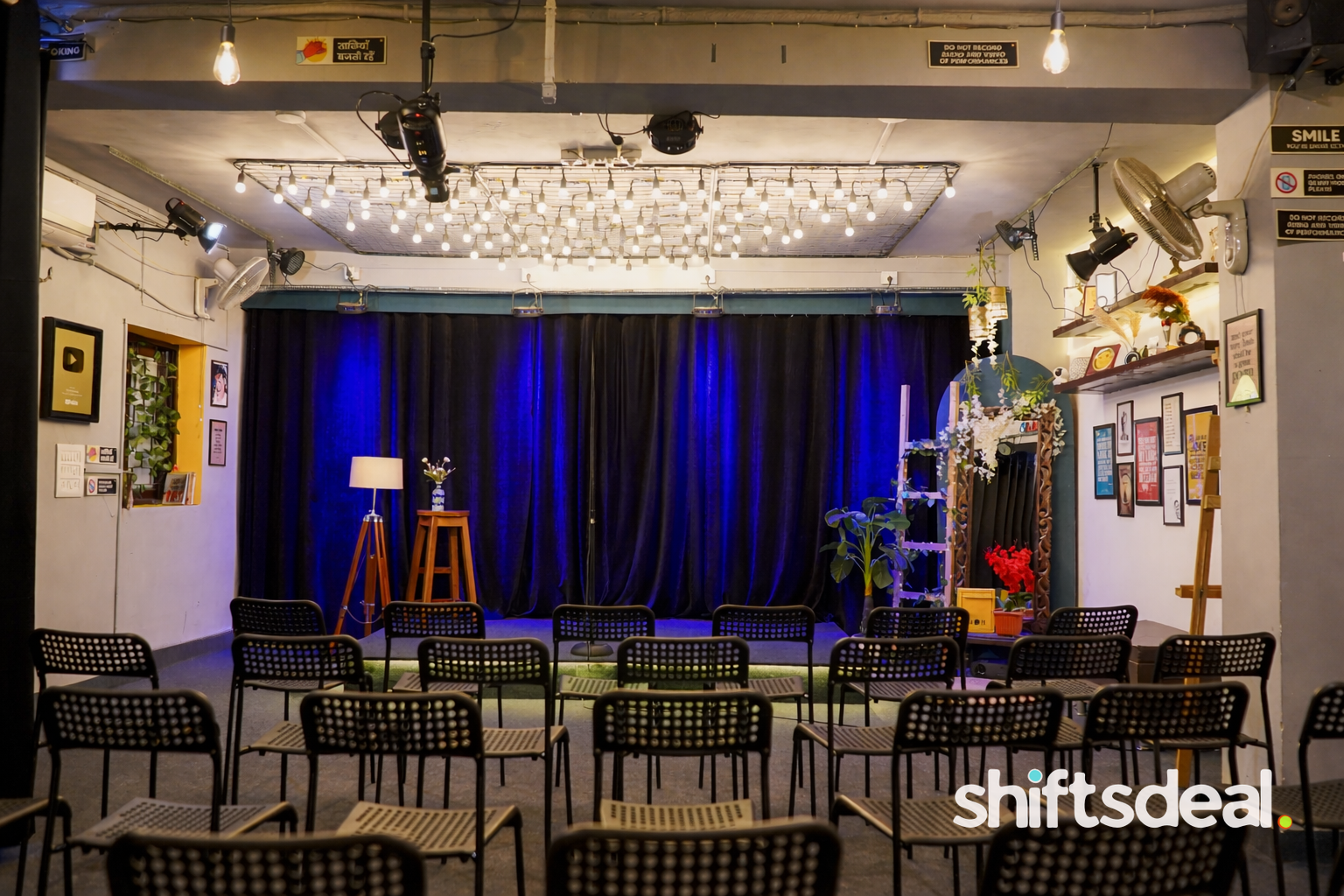
Photography studios in Delhi NCR
48 venues listed
- Photography studios in Delhi38 venues
- Photography studios in Sonipat3 venues
- Photography studios in Noida2 venues
- Photography studios in Gurgaon (Gurugram)1 venues
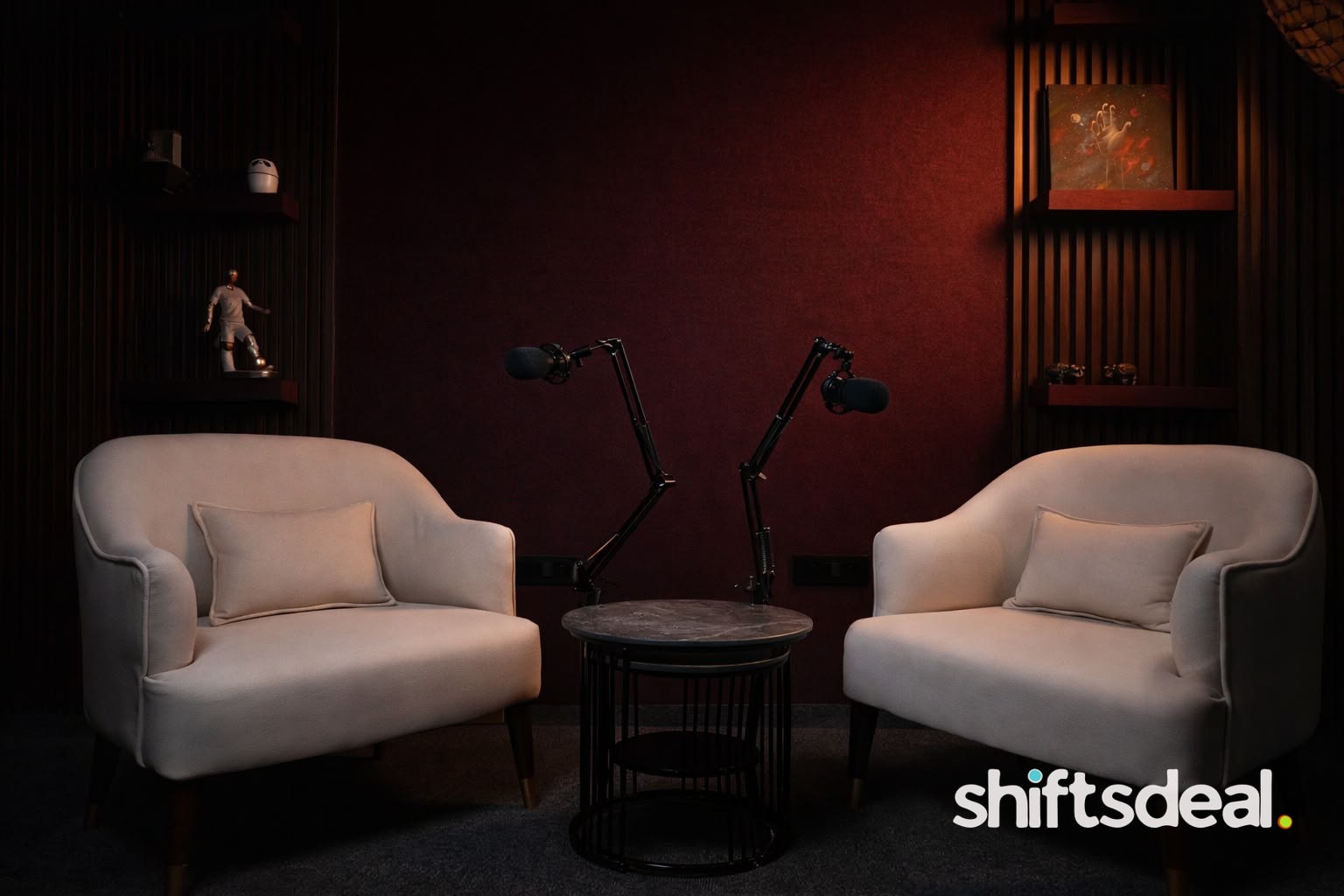
Dance studios in Delhi NCR
8 venues listed
- Dance studios in Gurgaon (Gurugram)3 venues
- Dance studios in Delhi2 venues
- Dance studios in Noida1 venues
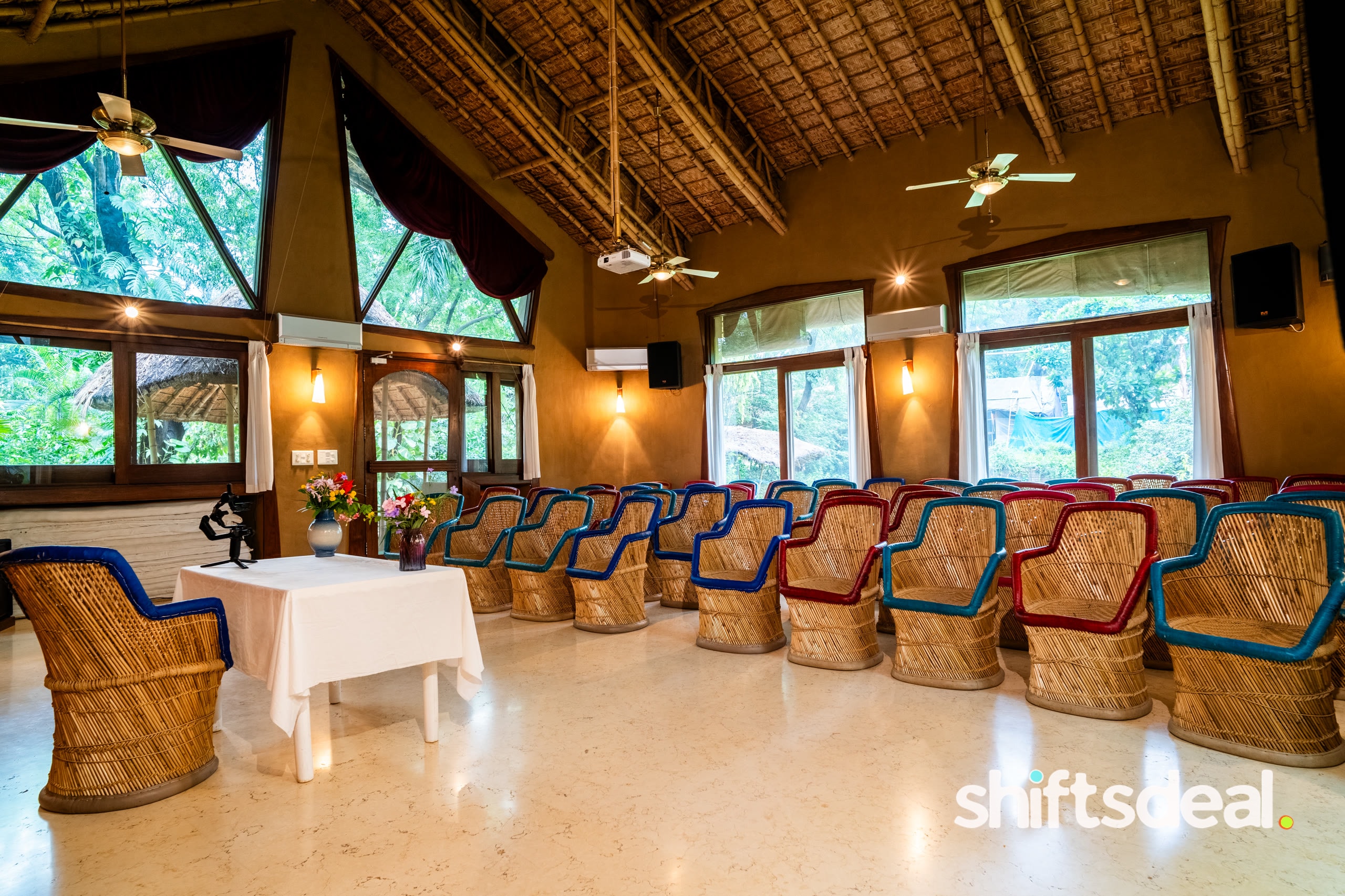
Yoga studios in Delhi NCR
17 venues listed
- Yoga studios in Delhi11 venues
- Yoga studios in Gurgaon (Gurugram)2 venues
- Yoga studios in Sonipat2 venues
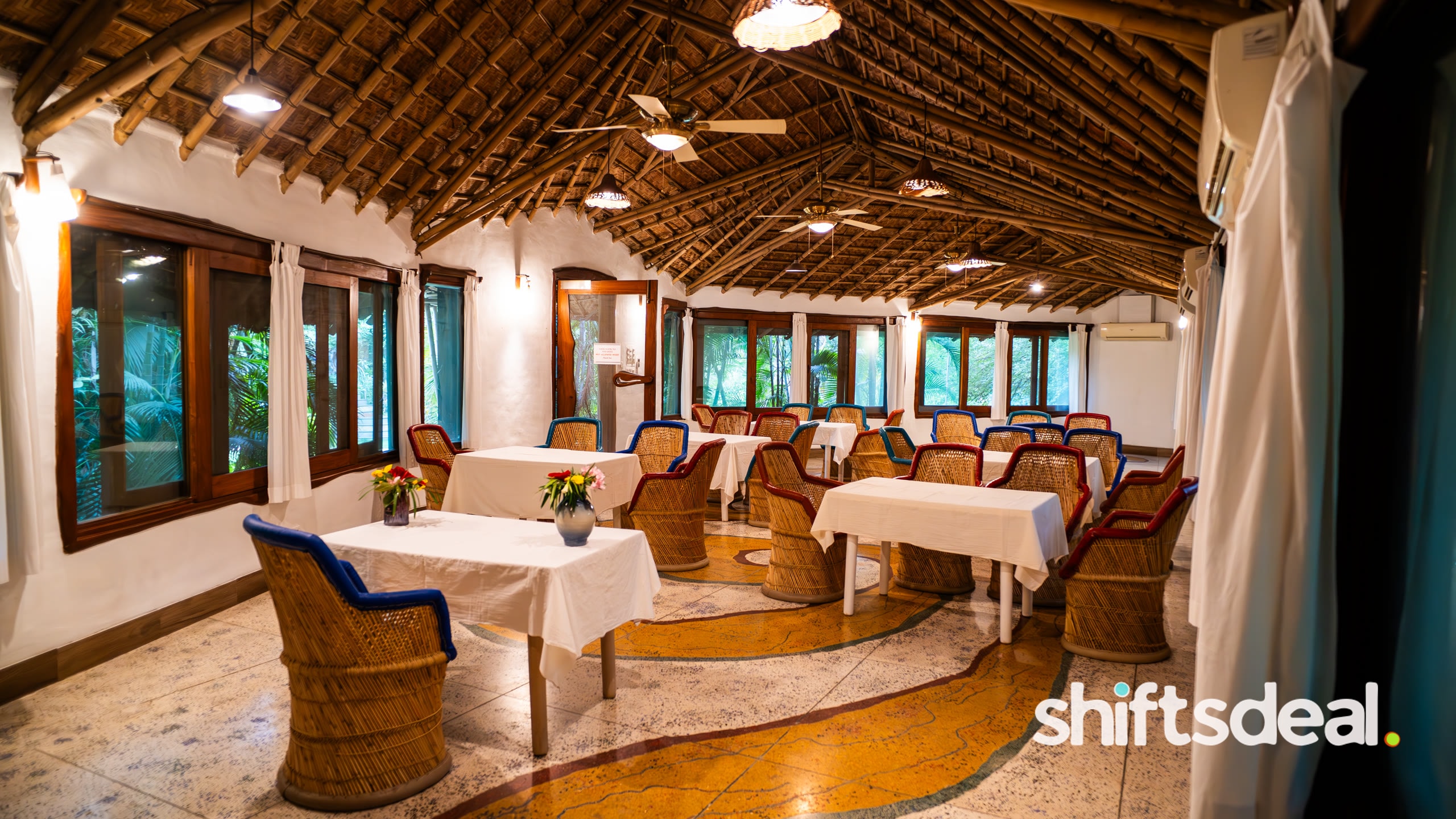
Workshop spaces in Delhi NCR
39 venues listed
- Workshop spaces in Delhi24 venues
- Workshop spaces in Gurgaon (Gurugram)7 venues
- Workshop spaces in Sonipat4 venues
- Workshop spaces in Noida2 venues
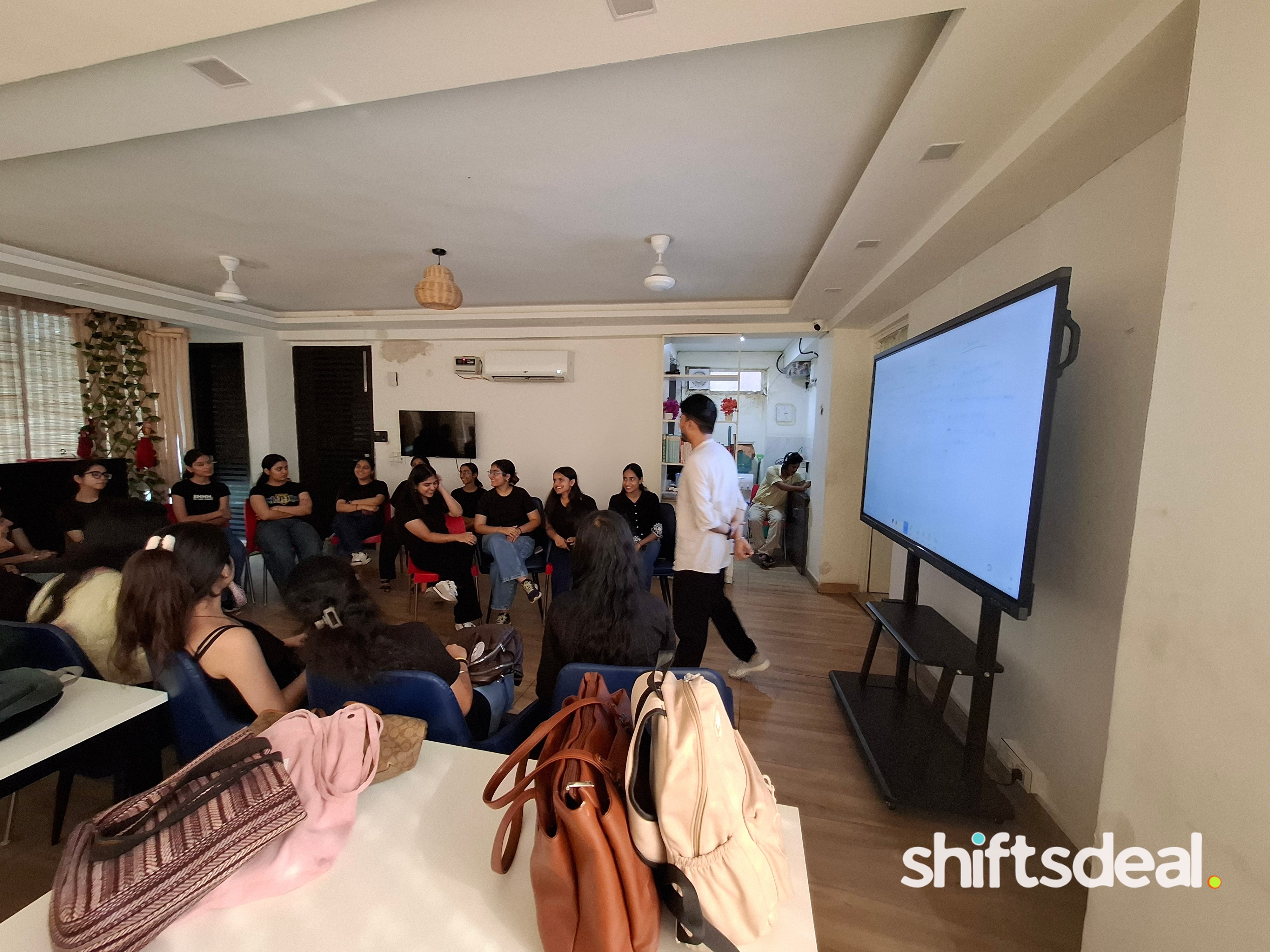
Corporate offsite venues in Delhi NCR
42 venues listed
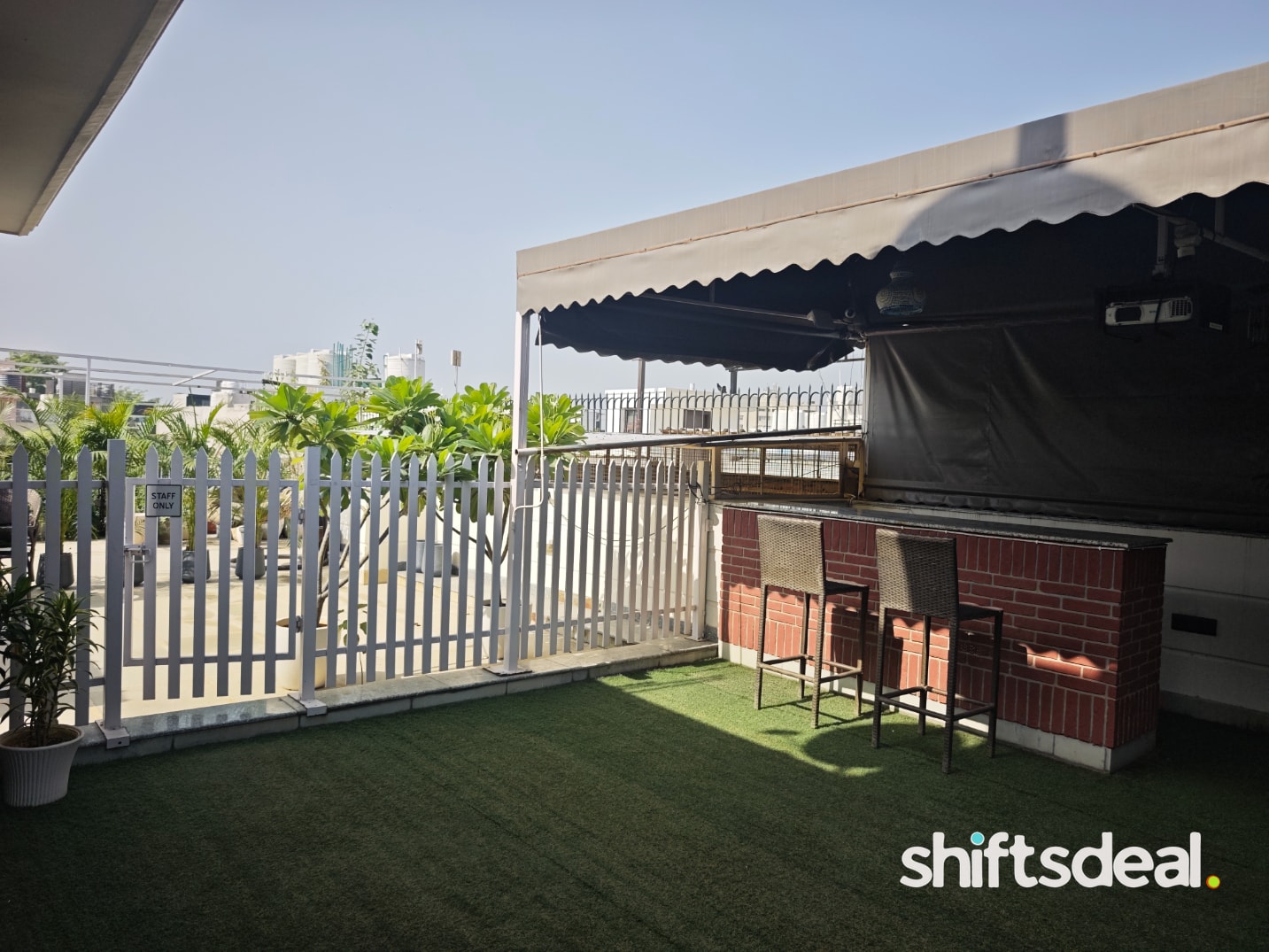
Birthday party places in Delhi NCR
13 venues listed
Or start with your city
An online course studio should be quiet, evenly lit and set up for a single presenter with a screen or whiteboard. Choose one where you can batch-record many lessons in a day and confirm what equipment and support are included.
At a glance
- Check: acoustics, lighting, camera, whiteboard or screen, power, booking length.
- Plan: batch lessons by topic and outfit.
- Browse: video shoot venues.
What does a good course studio have?
- A quiet room with little echo
- Lighting that suits a talking presenter
- A whiteboard, screen or display for slides
- Space for a laptop, camera and microphone
- Power points and good internet for uploads
How do you plan recording days?
Prepare scripts, group lessons and keep breaks short so your voice stays consistent. For longer blocks, compare half-day and full-day rates; see hourly vs full-day booking.
Related spaces
See YouTube video studio rental in Delhi and podcasting classes vs renting a studio.
Frequently asked questions
Can I record screen demos in a studio?
Yes, if you have a laptop and power.
Is a green screen available?
Ask the studio.
Can I book recurring days?
Ask about recurring rates.