Webinar and Live Streaming Venue: What You Need to Check
Published
Find a space by activity and city
Pick what you are planning, then your city. Counts are verified venues listed right now.
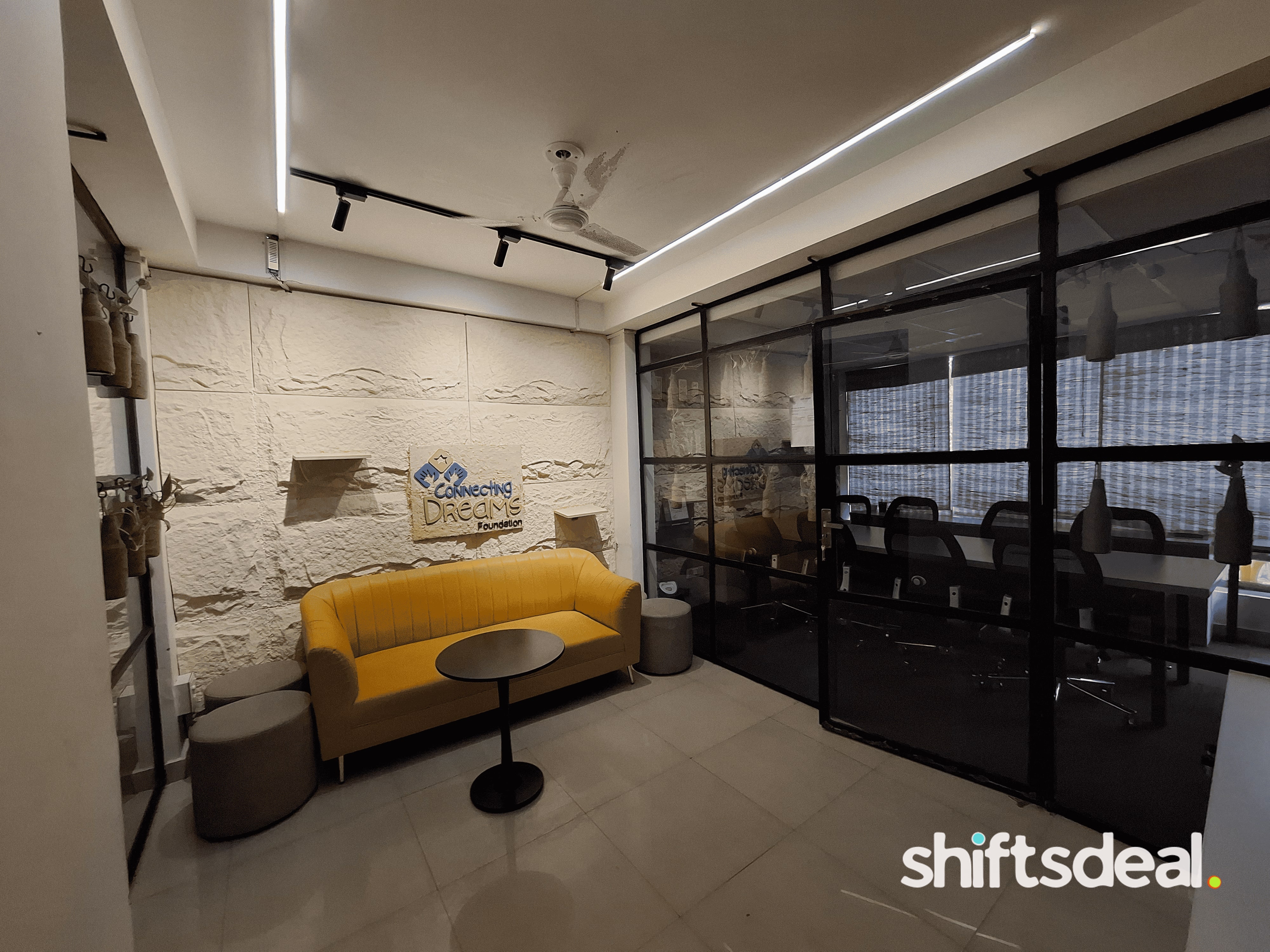
Meeting rooms in Delhi NCR
54 venues listed
- Meeting rooms in Gurgaon (Gurugram)31 venues
- Meeting rooms in Delhi10 venues
- Meeting rooms in Noida3 venues
- Meeting rooms in Sonipat1 venues
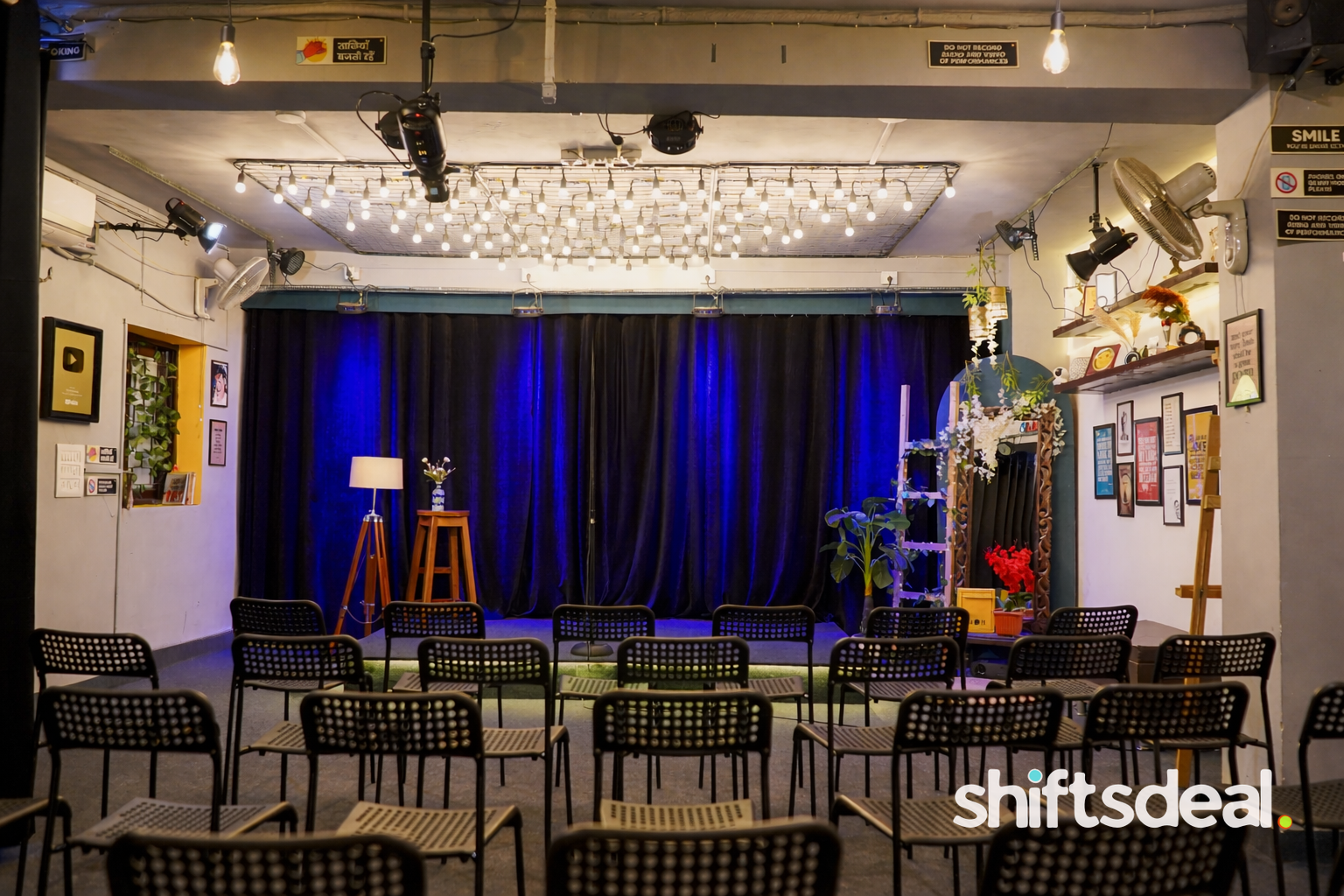
Photography studios in Delhi NCR
48 venues listed
- Photography studios in Delhi38 venues
- Photography studios in Sonipat3 venues
- Photography studios in Noida2 venues
- Photography studios in Gurgaon (Gurugram)1 venues


Dance studios in Delhi NCR
8 venues listed
- Dance studios in Gurgaon (Gurugram)3 venues
- Dance studios in Delhi2 venues
- Dance studios in Noida1 venues

Yoga studios in Delhi NCR
17 venues listed
- Yoga studios in Delhi11 venues
- Yoga studios in Gurgaon (Gurugram)2 venues
- Yoga studios in Sonipat2 venues
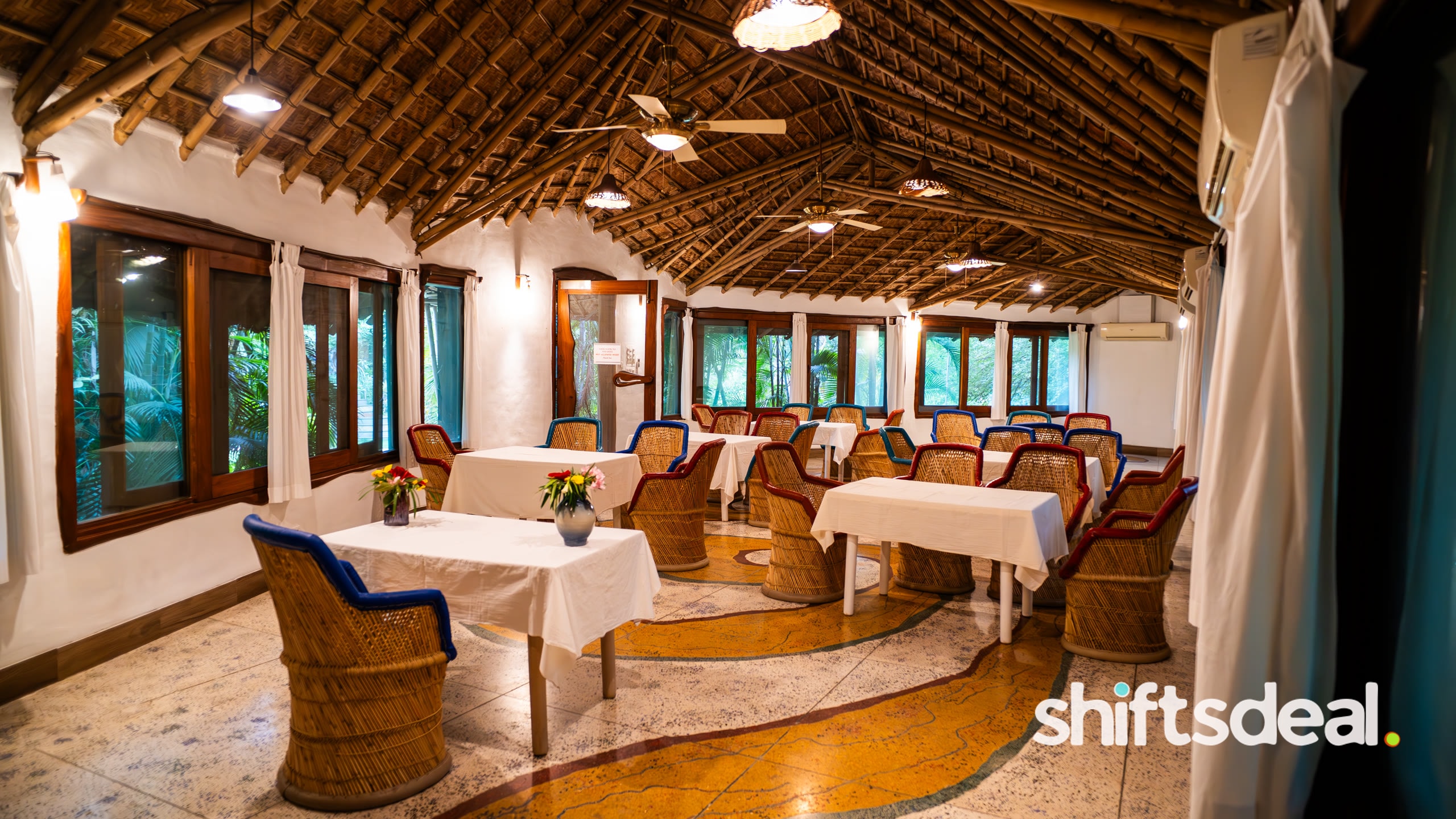
Workshop spaces in Delhi NCR
39 venues listed
- Workshop spaces in Delhi24 venues
- Workshop spaces in Gurgaon (Gurugram)7 venues
- Workshop spaces in Sonipat4 venues
- Workshop spaces in Noida2 venues
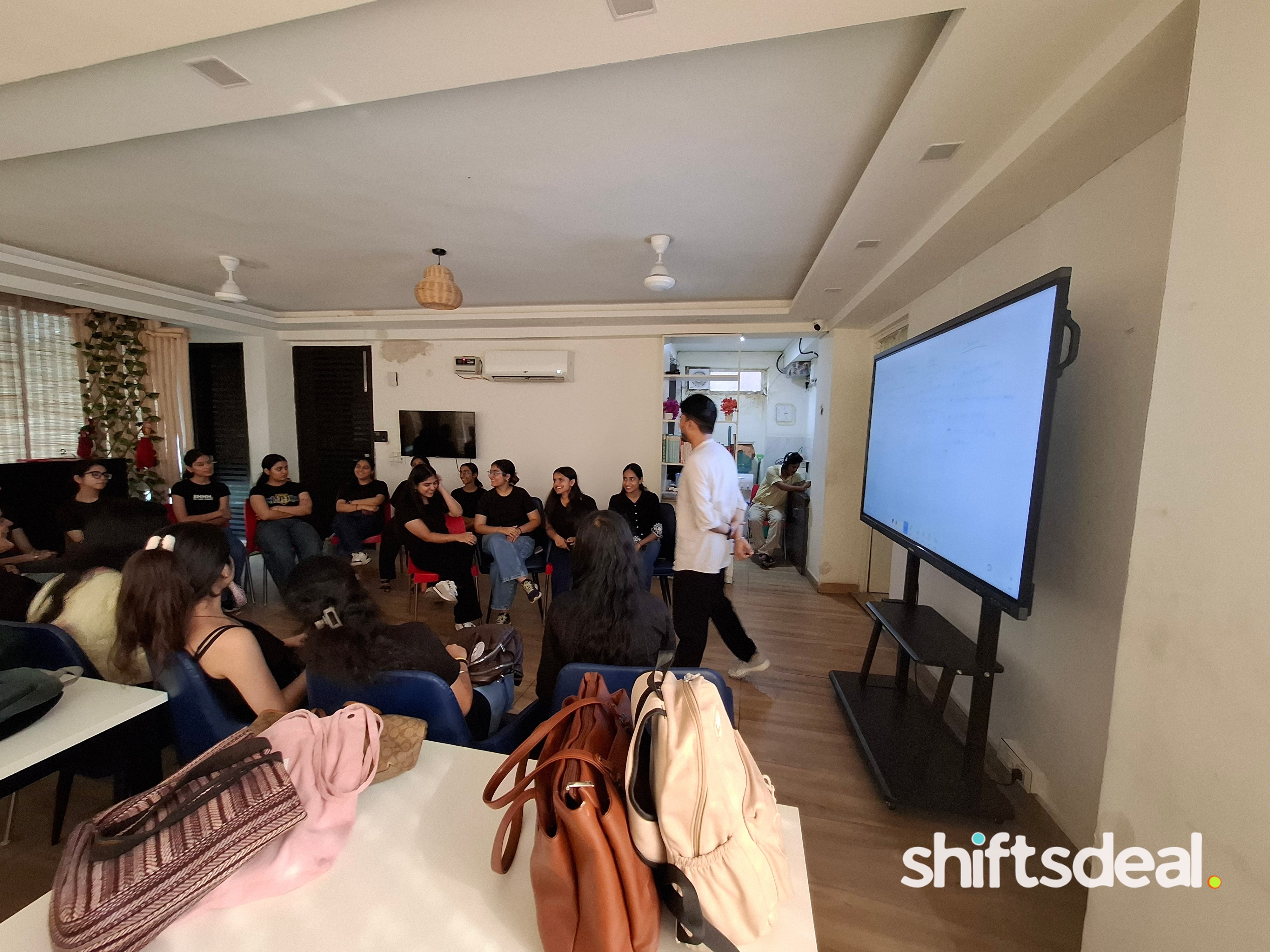
Corporate offsite venues in Delhi NCR
42 venues listed
Birthday party places in Delhi NCR
13 venues listed
Or start with your city
To host a webinar or live stream from a rented venue, the room needs fast, stable internet, clear audio, good lighting and a backup plan. Test the whole setup before the broadcast, and ask the venue what technical support they provide.
At a glance
- Essentials: wired or strong Wi-Fi, microphone, camera, lighting, power, quiet.
- Plan: backup connection, test run, technical support.
- Browse: seminar venues and business meeting venues.
What should you check?
- Internet speed and whether a wired connection is possible
- A backup connection such as a mobile hotspot
- Microphones and speakers, and a quiet room
- Even lighting on the speaker
- Power for all equipment
- A screen to see chat and attendees
How do you prepare?
Arrive early, run a full test with the same software and keep a producer or assistant to watch chat. See hybrid meeting room setup checklist.
Frequently asked questions
Do venues provide streaming support?
Some do. Ask what is included.
Is a studio better than a hall?
For a single presenter, a studio. For a live audience, a hall. See seminar hall booking guide.
How long should I book?
Include setup and a test before going live.